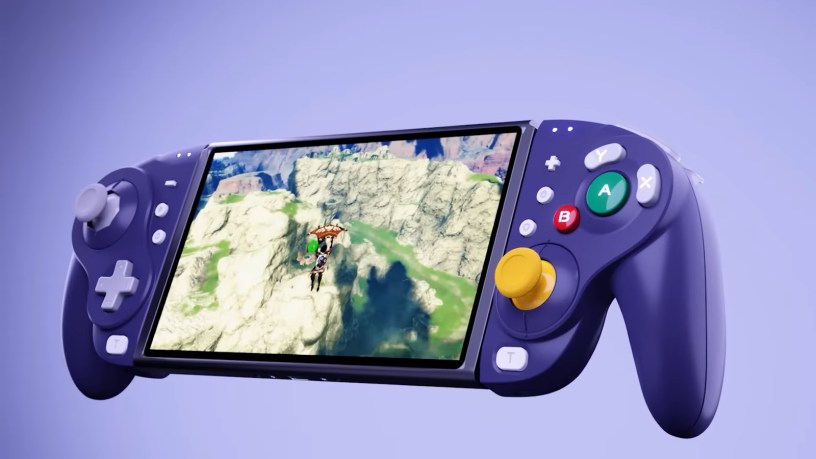
Joy-Con drift has been a constant issue with the Nintendo Switch since the system launched in March 2017, and it’s a problem that Nintendo still hasn’t fixed. Their solution has been to apologize and offer free repairs for any Switch owner with drifting Joy-Con. That’s left a lot of frustrated Switch owners looking for alternative controller solutions. The NYXI Wizard Wireless Joypad is one that GameCube lovers should consider.
Different gamers have different controller preferences, but button placement aside, the classic GameCube controller is one of the most comfortable video game controllers ever. It melts into your hand. The ergonomics of the NYXI Wizard does a pretty good job of emulating the feel and grip of the GameCube controller. The only significant difference are the ZL/ZR trigger buttons, which aren’t as deep for your fingers to fit into.
It’s also bulkier, but after reading up on it and watching reviews, it was surprising how light it was. There didn’t seem to be a significant weight difference from the Joy-Con while playing the Switch in handheld mode. The biggest adjustment was getting used to the new button layout. However, it’s comfortable on the hands – more comfortable than the Nintendo Joy-Con. Plus, the buttons light up, which is a nice touch. The force-feedback is strong. It may not qualify as the same HD rumble that Nintendo has in their Joy-Con, but the rumble is kicking in the NYXI Joy-Con, and it’s adjustable.
The controller is also modular to some extent. It comes with two sets of joystick rings which are interchangeable. One set is ridged like the original GameCube controller and the other set is circular with no ridges. You can switch them out whenever you want depending on your preference.
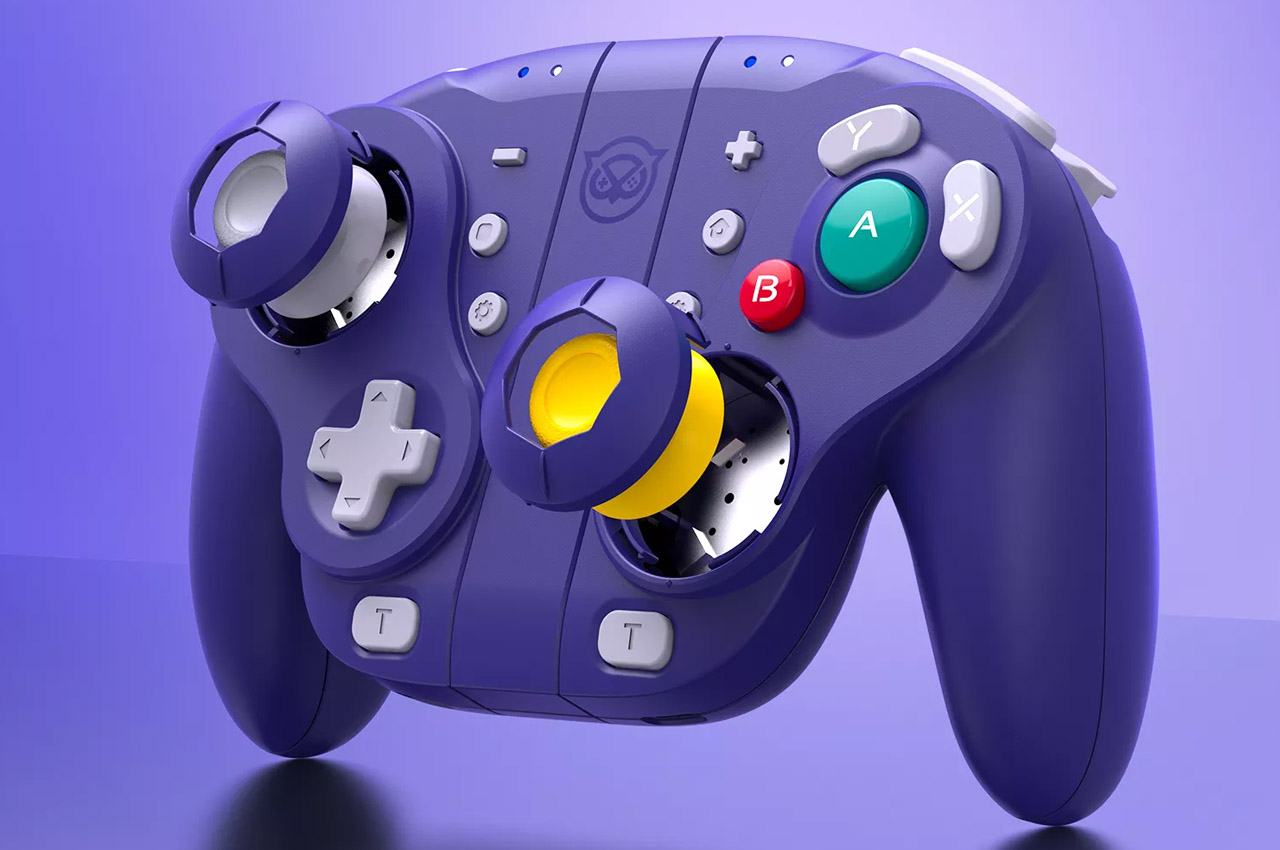
The first game I played with the NYXI was Animal Crossing: New Horizons. I figured it would be a good game to get acclimated to the controls, and indeed it was. It’s been many years since I’ve used a GameCube controller so it took a few minutes to reacquaint myself with the button layout. The Y-button is now on top and the X-button is now on the right side, with the B-button on the bottom and the big A-button in the center.
The second game I played was Mario Kart 8 Deluxe. Here is where I really felt the difference. The NYXI Joy-Con feel much more robust and stout than the Nintendo Joy-Con. I could especially feel it in the analog sticks, which feel much more sturdy when you’re tearing around in a corner in a big power slide. It feels great.
Playing Super Smash Bros. Ultimate felt a lot more natural than it does with the standard Joy-Con. My hands felt more comfortable and the button layout is better. The more robust stick feels better to perform smash attacks with. You can see why pro Smash players still prefer the GameCube controller.
The NYXI Wizard also has a proper d-pad. If you like to play 2D games, a good d-pad is essential, which Nintendo’s Joy-Con doesn’t have. I played all the way through Donkey Kong Country: Tropical Freeze and put a good amount of time in with Rogue Legacy and Dead Cells with the NYXI Wizard’s d-pad and didn’t experience any problems. It was much easier on my thumb than the stiff buttons that serve as a d-pad on the Nintendo Joy-Con.
Other games I played are Metroid Prime Remastered, The Legend of Zelda: Tears of the Kingdom, Travis Strikes Again: No More Heroes, F-Zero 99, F-Zero X, Wave Race 64, Yoshi’s Story, Streets of Rage 4, Shovel Knight, Xenoblade Chronicles: Definitive Edition, Don’t Starve, Golden Axe, Super Mario Advance 4: Super Mario Bros. 3, and New Super Mario Bros. U Deluxe. That’s a pretty good sample size of different genres and I never experienced a hint of Joy-Con drift.
The only issue I had was with the ZR-button. After owning the controller for a few weeks, while playing Metroid Prime Remastered I noticed it wasn’t responding at times. After finishing the game, I noticed the button had gotten squishy and the click you normally hear when pushing it down was almost gone. You had to push the button in a certain place to get a response. So I contacted NYXI, and although it took a few days, they sent me a replacement Joy-Con free of charge. Plus, they didn’t even ask for the defective Joy-Con back. Although, I found it suspicious that the package came from China when they’re supposed to be an American company, and I could tell English was not the first language of the person I was exchanging emails with during the return process.
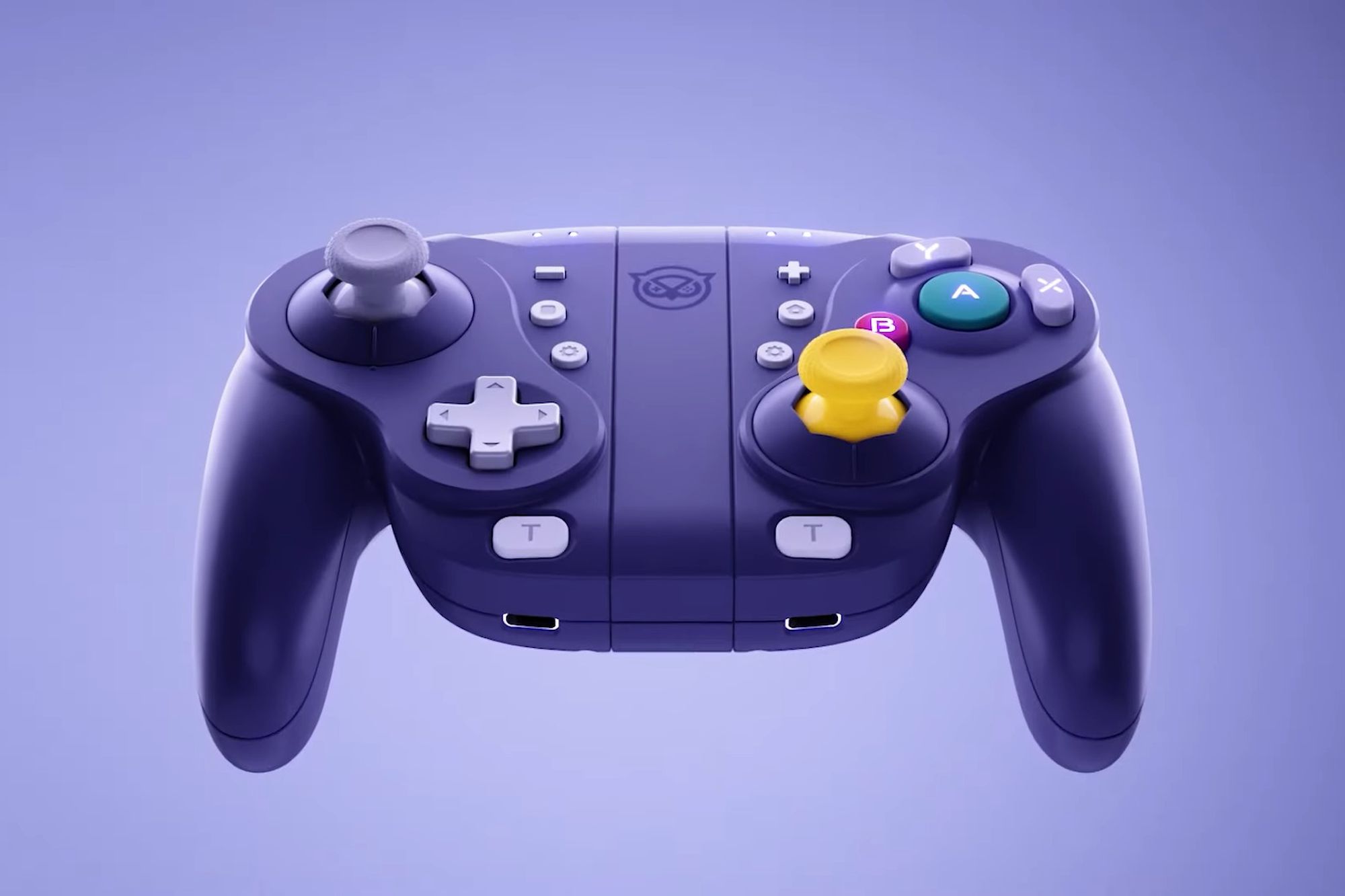
The new Joy-Con they sent me looked and played like a new Joy-Con. However, after a few months, I noticed the same issue creeping up with the ZR-button on that Joy-Con as well. Some of the clickiness was gone, but this time, it didn’t affect the functionality of the button. So my one suggestion to NYXI in any future incarnations of this controller is to make both the ZR and ZL buttons feel more robust. Even out of the box, they feel a little flimsy compared to the rest of the controller.
Other than that, the only downside to the NYXI is, because of the button placement of the GameCube controller, I’ve had to remap the controls on four of my games so far: Animal Crossing, Donkey Kong Country: Tropical Freeze, Zelda: Tears of the Kingdom, and New Super Mario Bros. U Deluxe. However, the Switch lets you save presets for games so it hasn’t been a problem. Once I got the buttons where I liked them, it was great.
The NYXI Wireless costs $70, and other than the aforementioned issues with the ZR-button, it’s been a fantastic upgrade from Nintendo’s standard Joy-Con, and reinforced how much improvement any future iterations of Nintendo’s Joy-Con need. The NYXI Wireless has a sturdiness and solidity to it that Nintendo’s Joy-Con lack, not to mention the biggest benefit: no drift. I spent hundreds of hours over the course of nine months with the NYXI Wireless and didn’t experience a hint of it. For me personally, there’s no going back. My Nintendo Joy-Con have been sitting unused since I bought the NYXI and my only regret is that this controller didn’t come out sooner in the Switch’s life.

